Design and Build 2D Game Tilemaps Directly in Your Browser
PixLab is a free browser-based 2D tilemap editor for game developers who need fast map layout tools, layered editing, custom tileset support, and quick export options without installing desktop software or sending project data to a server.
Recent Tilemap Projects
Resume an existing map, start a new browser-based project, or import your own tileset to continue editing without leaving the page.
Projects are saved in this browser only and are never uploaded. To keep a backup or move a project to another browser, use Export & Download → JSON in the editor, then Import it here. Safari can delete site data after 7 days without a visit, so keep backups.
Frequently Asked Questions
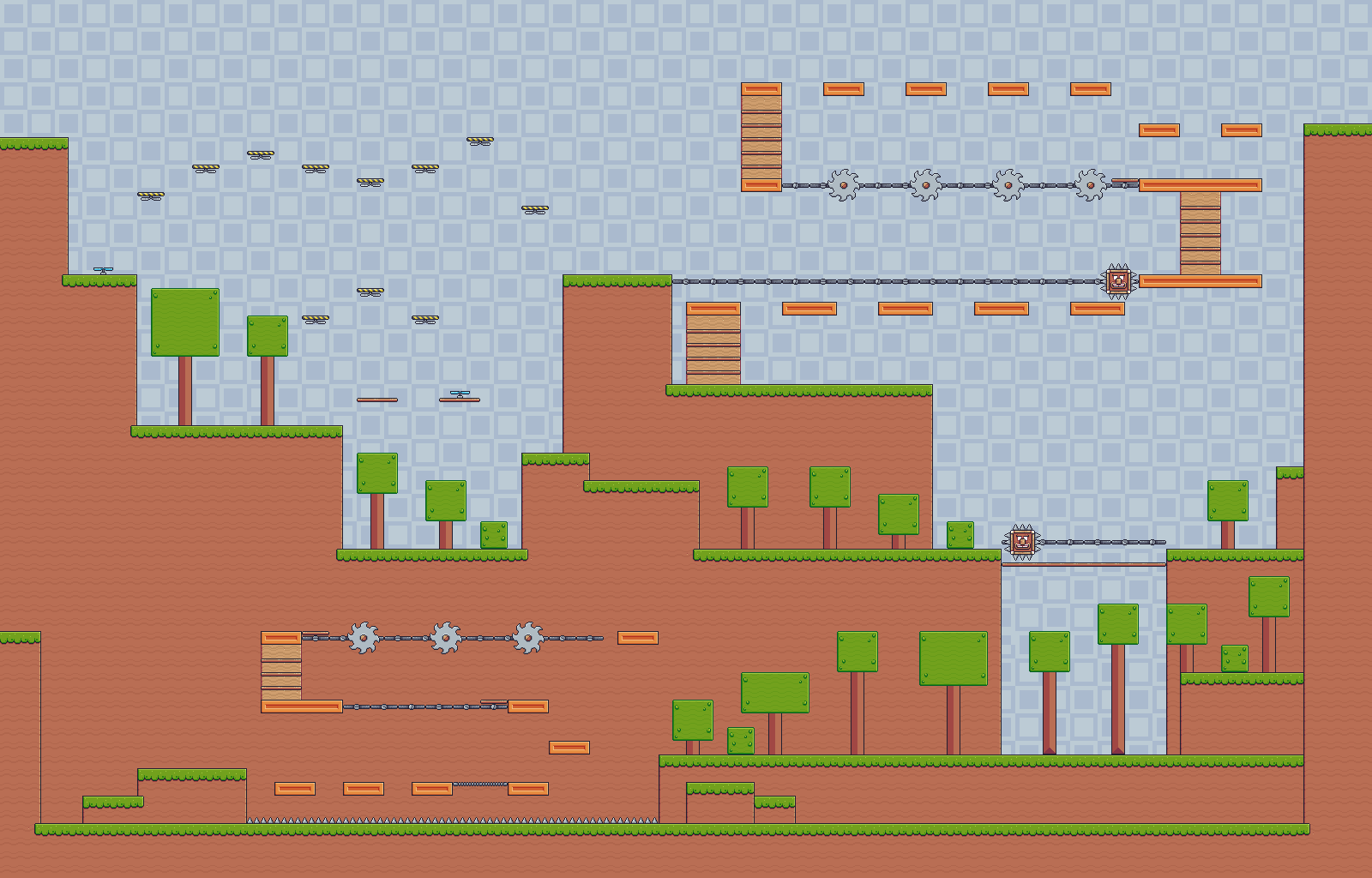
PixLab's tilemap editor is a free, browser-based tool for designing tile-based maps for 2D games. You place tiles from a tileset (grass, water, walls…) on a grid, organize them in layers, and export the result as an image or as a map file for your game engine. Your projects are saved in your browser; nothing is uploaded.
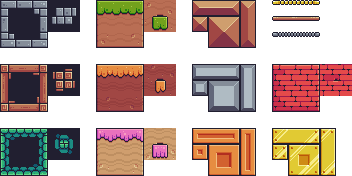
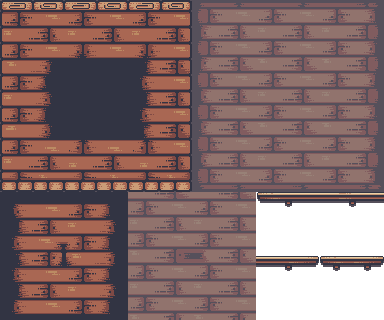
When you create a project, pick a built-in tileset or import your own tileset image. In the editor, add more tilesets from Tiles Media → Upload. Select one or more tiles in the tileset panel, then paint them on the map. If your tileset has gaps between tiles, set its margin and spacing from the tileset's menu.
Yes. Add as many layers as you need, for example a background, the ground and decorations. Each layer can be renamed, hidden, locked, made semi-transparent and reordered by dragging, and uses one tileset.
Choose the tile size (in pixels) and the map size (in tiles) when you create a project; the built-in tilesets use 16 px tiles. In the editor, the cog button changes the map size at any time, and the tile size as long as the map is still empty.
Yes. Export & Download → Game engine / Tiled map downloads a .zip with your map in both Tiled formats (.tmx and .tmj), the tileset images and one CSV file per layer. Godot 4 imports it with the YATI add-on, Unity with the SuperTiled2Unity package (using the .tmx file), Phaser loads the .tmj file directly, and Unreal Engine's Paper2D has an importer for Tiled JSON maps (rename the .tmj file to .json). Frameworks with a Tiled loader, such as libGDX and MonoGame, use the .tmx file, and Tiled itself can convert the map to more formats. A README in the .zip explains each option.
You can also download the whole map as a PNG or JPG image.
Export & Download → JSON (project backup) saves everything about a project: its name, tile size, map size, the tileset images (embedded in the file) and every layer. Each layer stores its tiles as "column-row": { "x": …, "y": … }, where x and y are the column and row of the tile inside the layer's tileset image. Import the file on this page to restore the project in any browser.
The game engine export uses Tiled's standard map formats, so any tool that reads Tiled maps can use it.